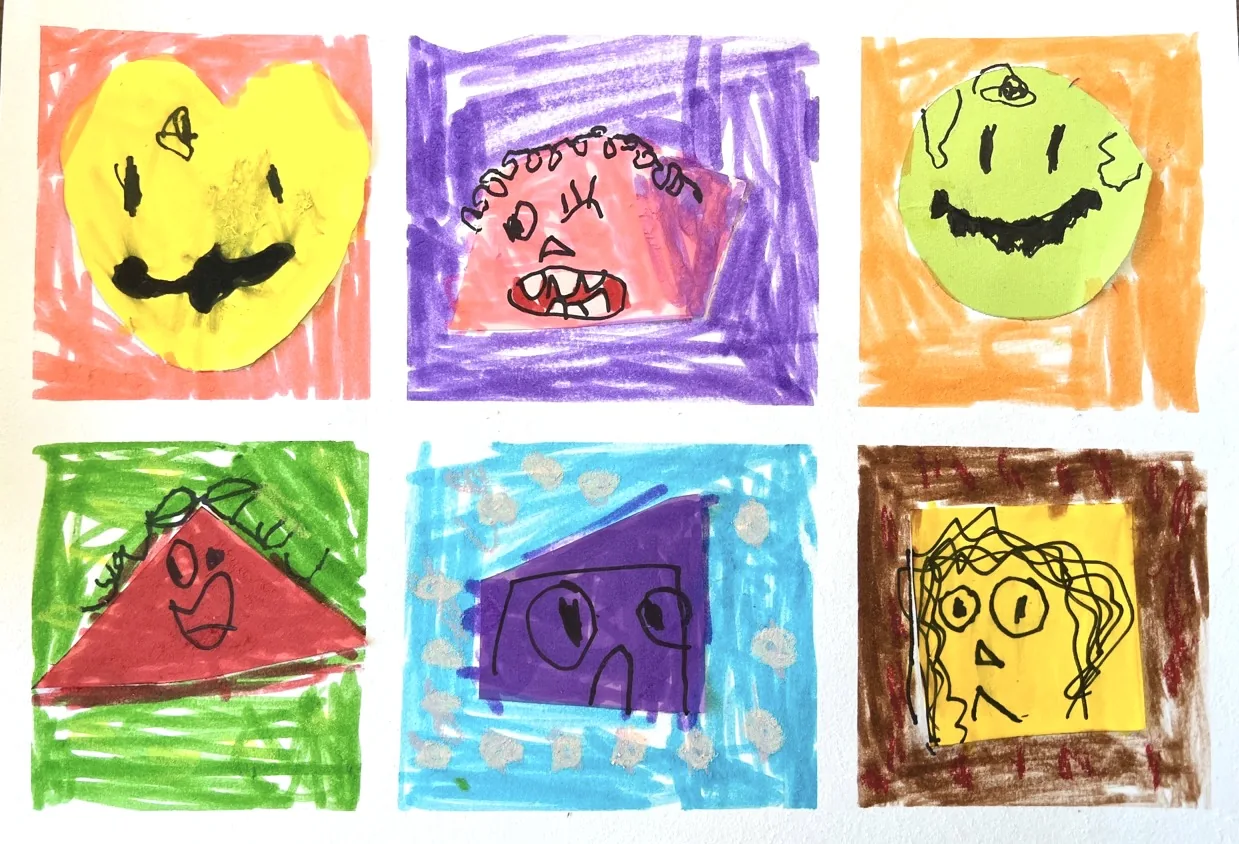
One year later


At NPC Arts Centre, art education goes beyond completing beautiful artwork. Through professional instruction, personal attention and structured learning, we help children develop real artistic skills, confidence and creativity.
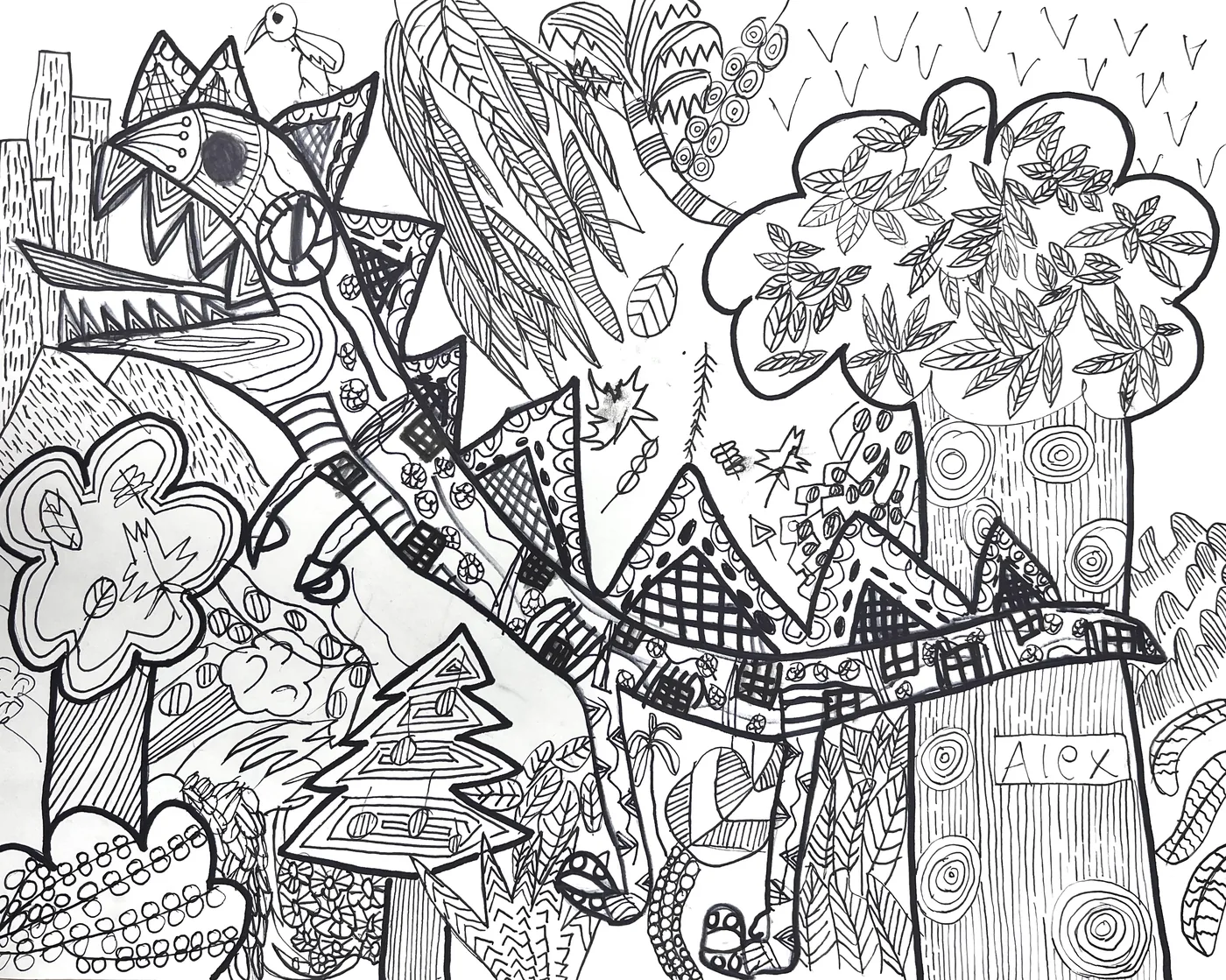
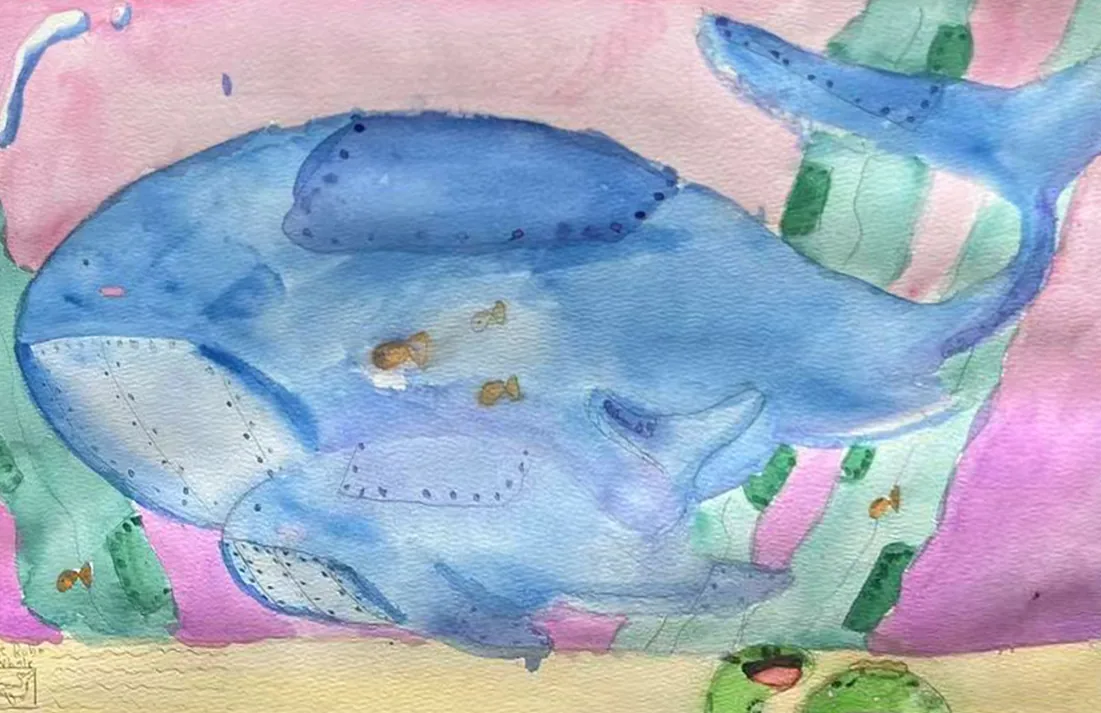
21 NPC Kids students from all four campuses — real work by the same child, then and later. Tap any piece to enlarge it.
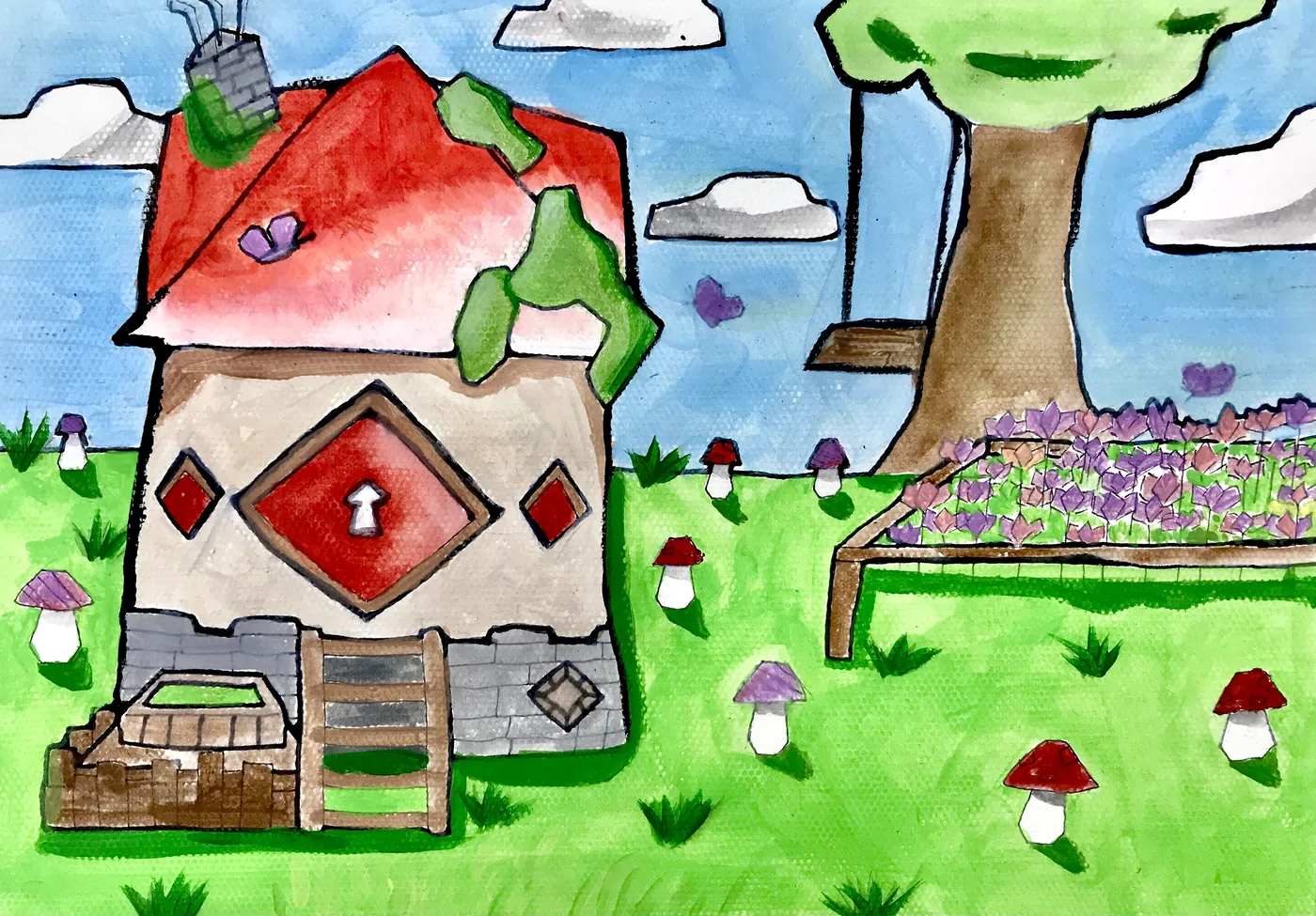
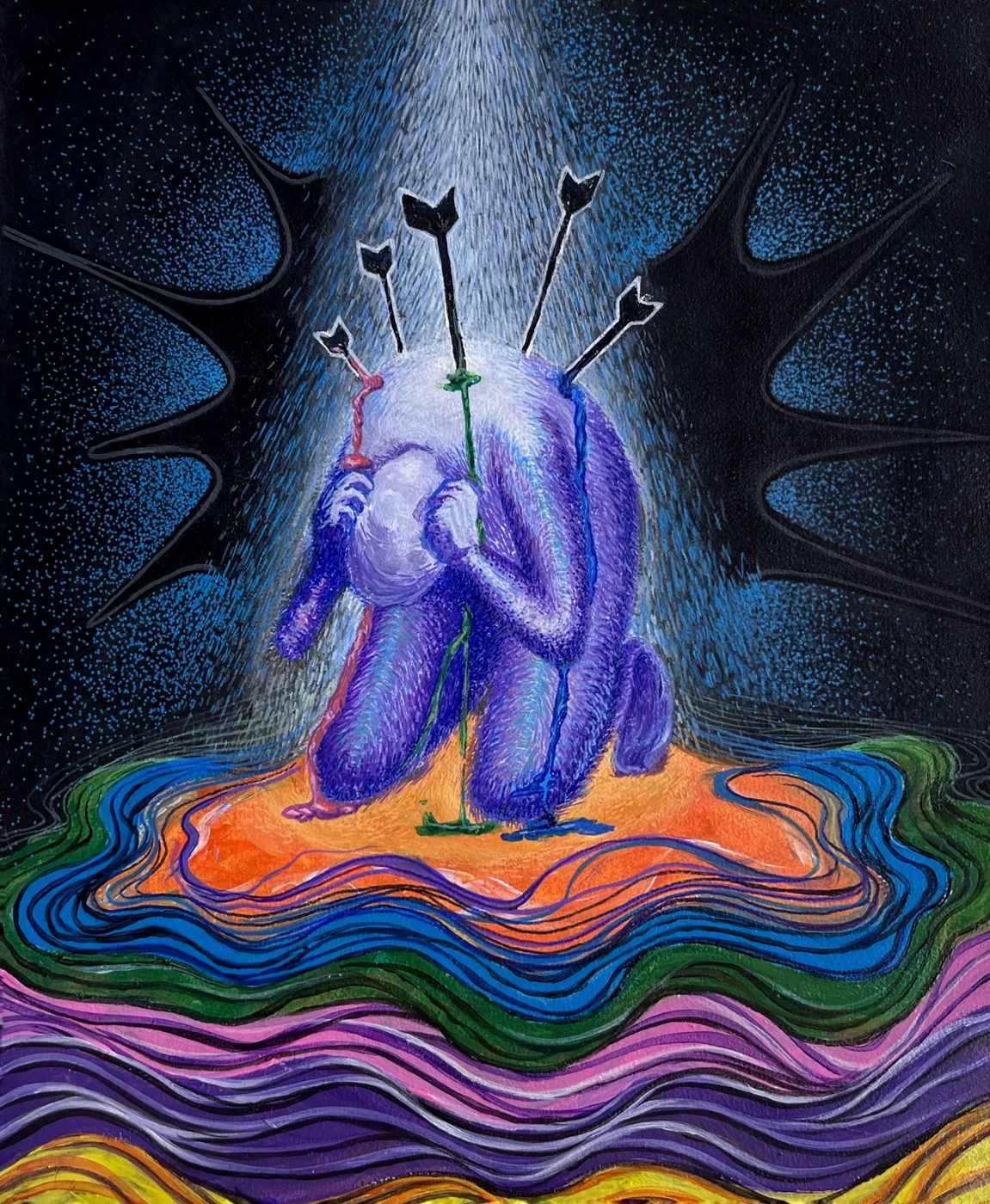
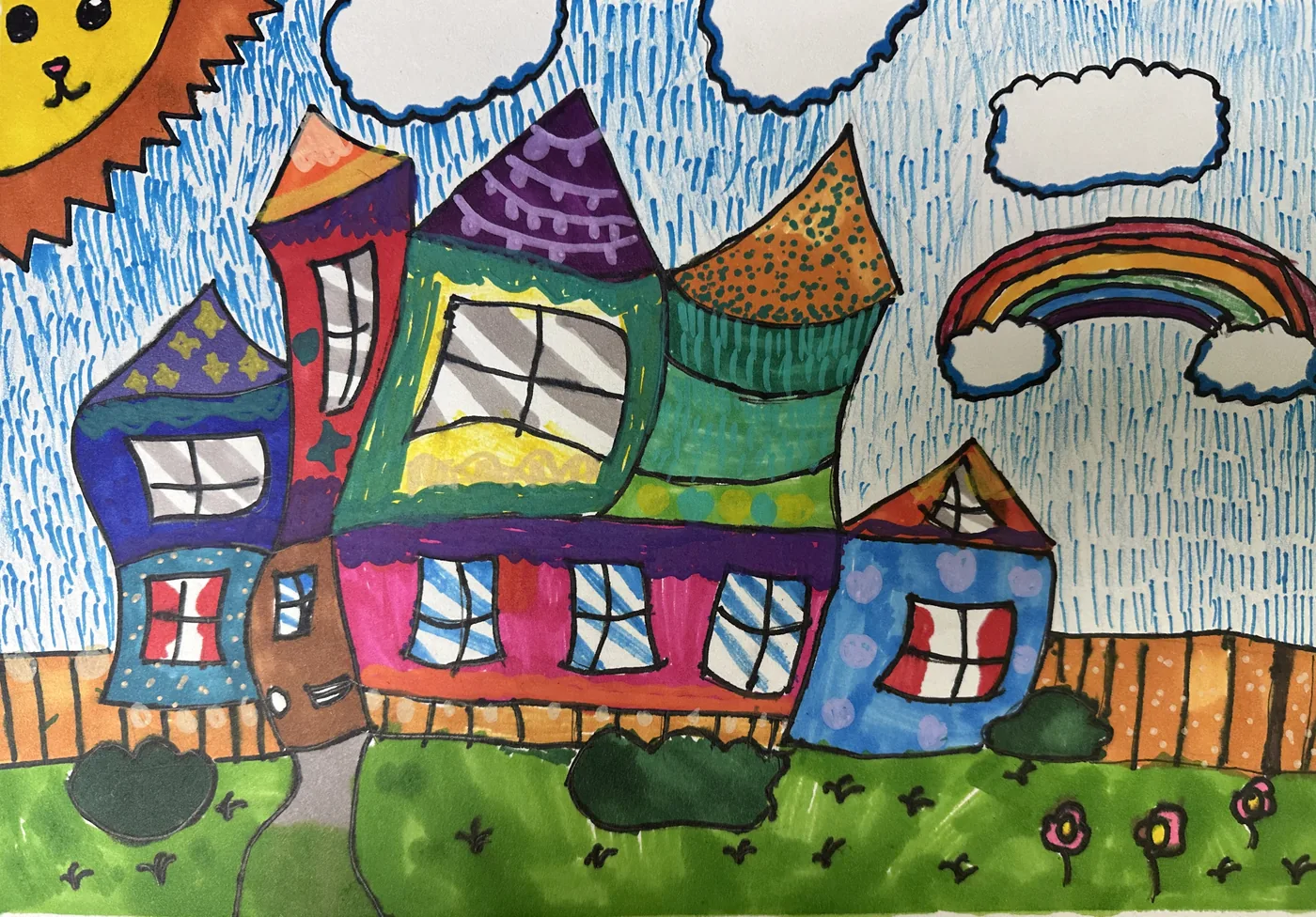
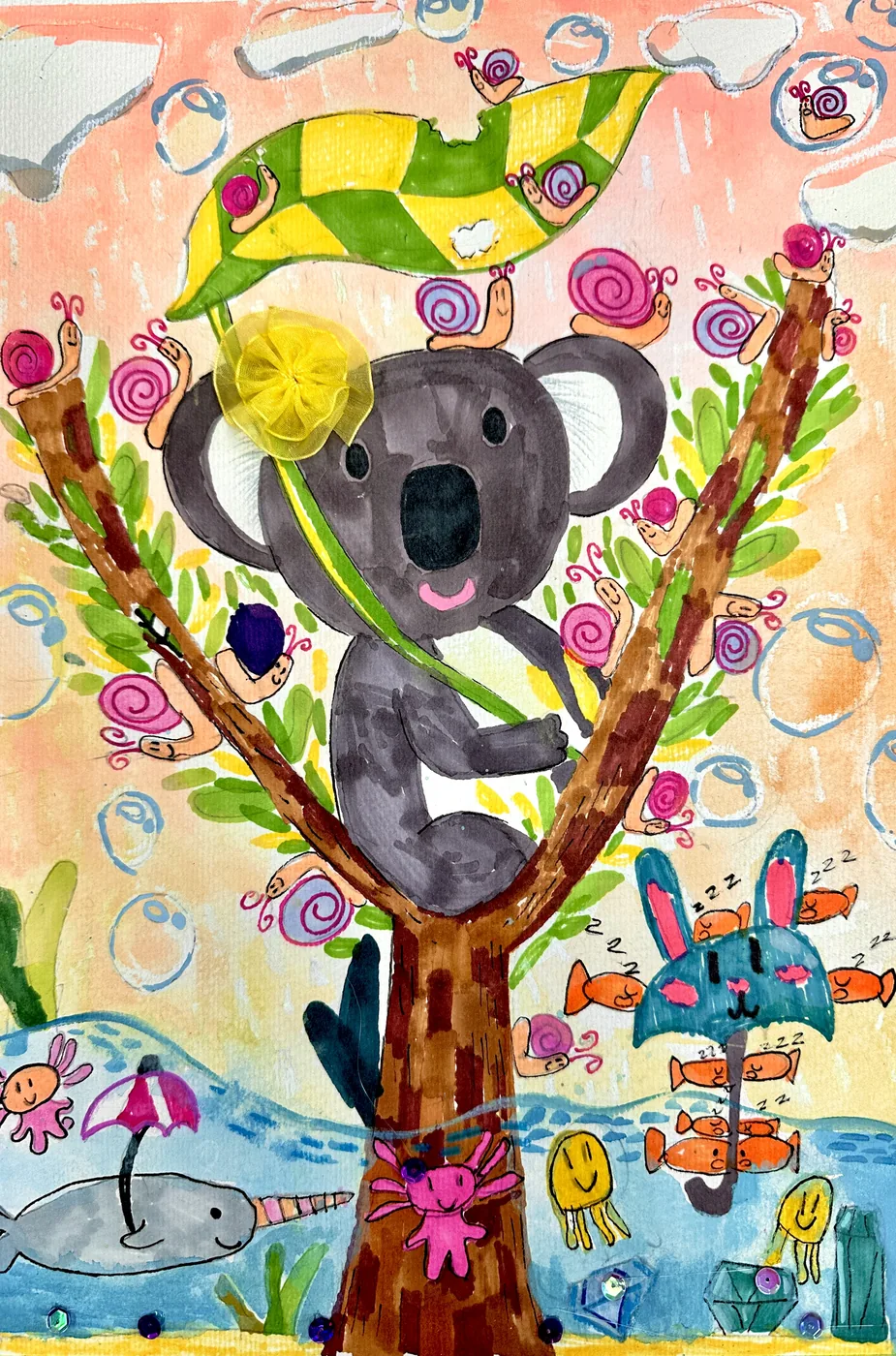
Professional instructors. Small classes. Meaningful progress.
Never more than six children per instructor, so every child gets individual guidance in every class.
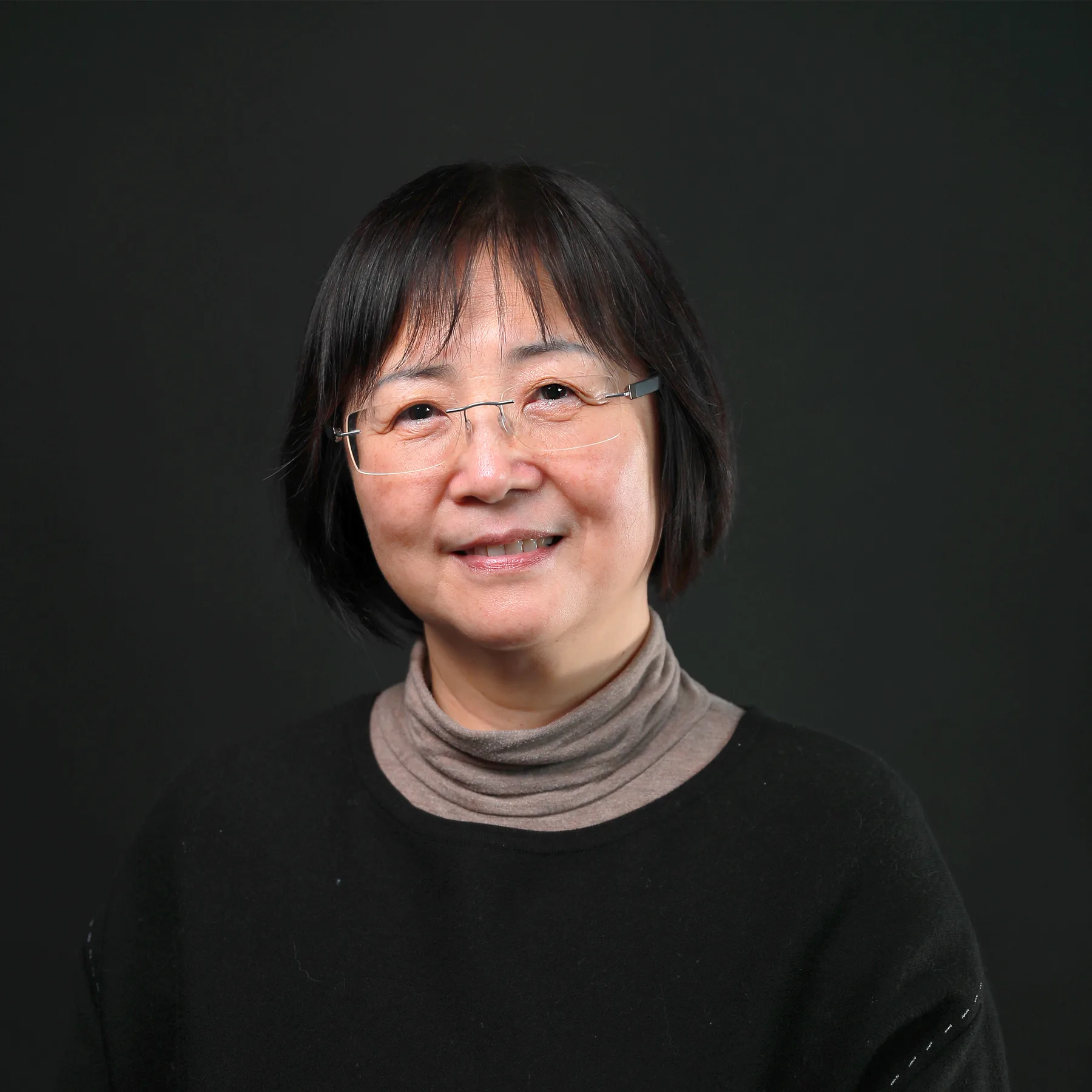
Art-school-trained artists and designers teach a program created by our Principal, Isabella Feng.
A structured curriculum for each grade band. Every class builds on the last, and every term you get a full instructor report on your child’s progress.
An inspiring studio and quality art supplies. All materials are included in tuition.
We don’t simply teach children what to draw. We teach them how to observe, think and create independently. Each grade band has its own curriculum — tap one to see exactly what your child will learn.
 🎨
Ages 5–7
🎨
Ages 5–7
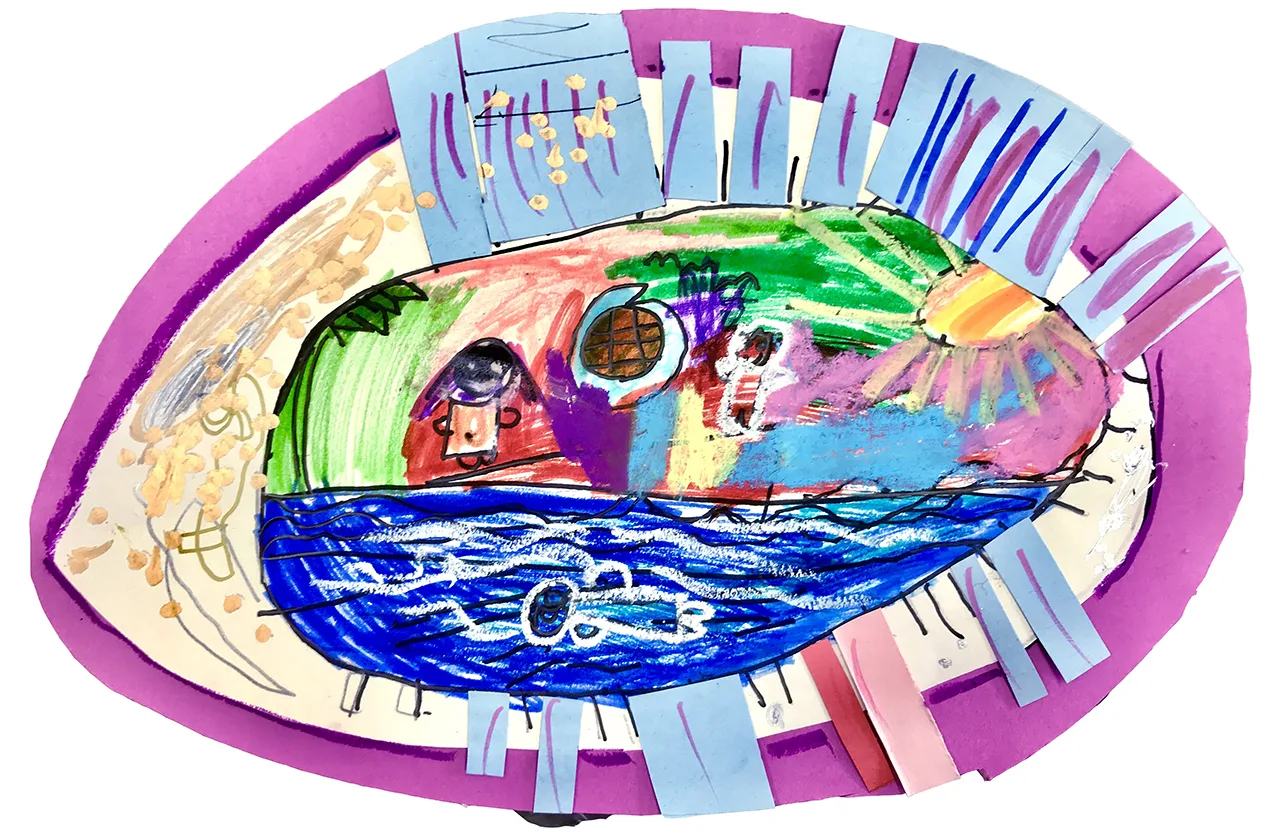
First adventures in colour, shape and imagination.
Learning focusCreativity, colour, shapes, observation and imagination
 🖌️
Ages 7–10
🖌️
Ages 7–10
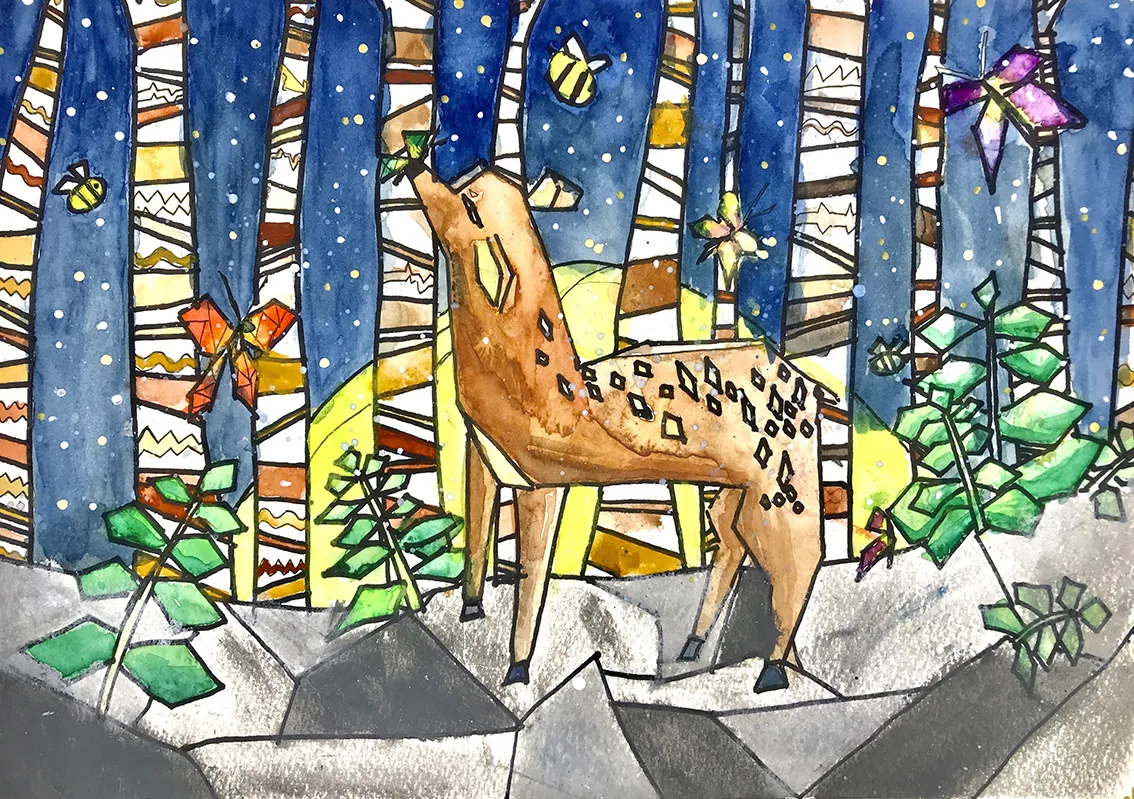
Drawing, painting and craft fundamentals build confidence.
Learning focusDrawing fundamentals, composition, painting techniques and creative thinking
 🚀
Ages 10–13
🚀
Ages 10–13
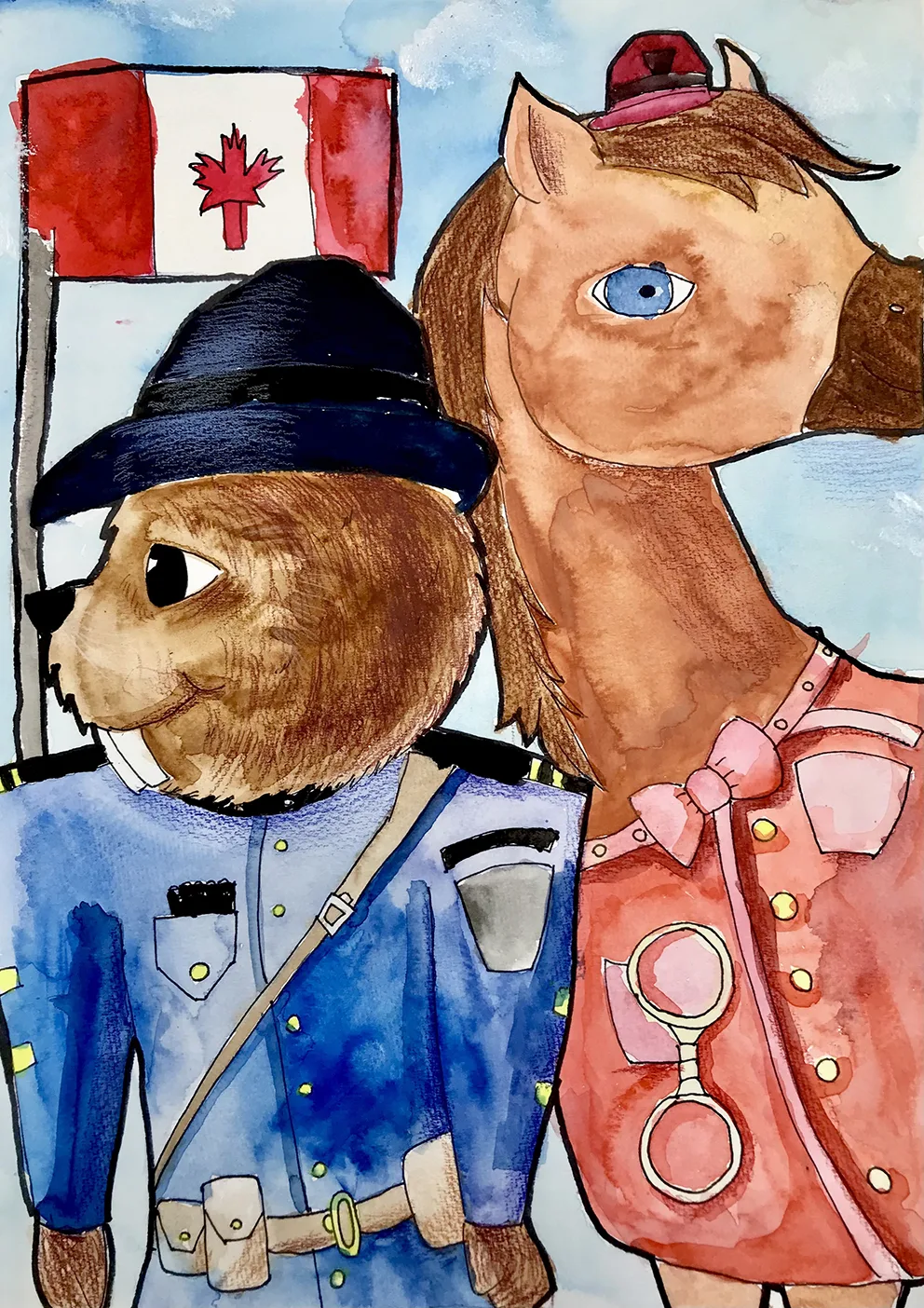
Technique, digital tools and personal projects take off.
Learning focusAdvanced drawing, perspective, rendering and independent artistic development
Your child doesn’t just draw for a year — every term rotates through different ways of making.
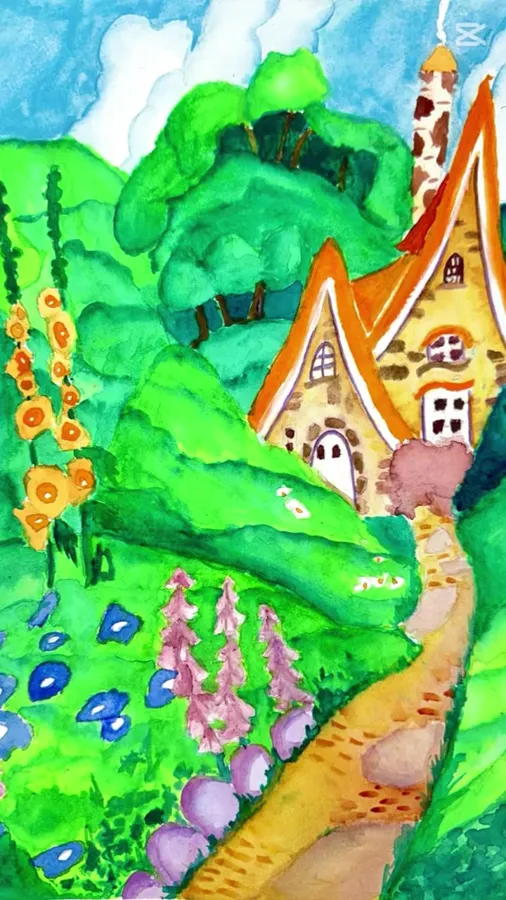
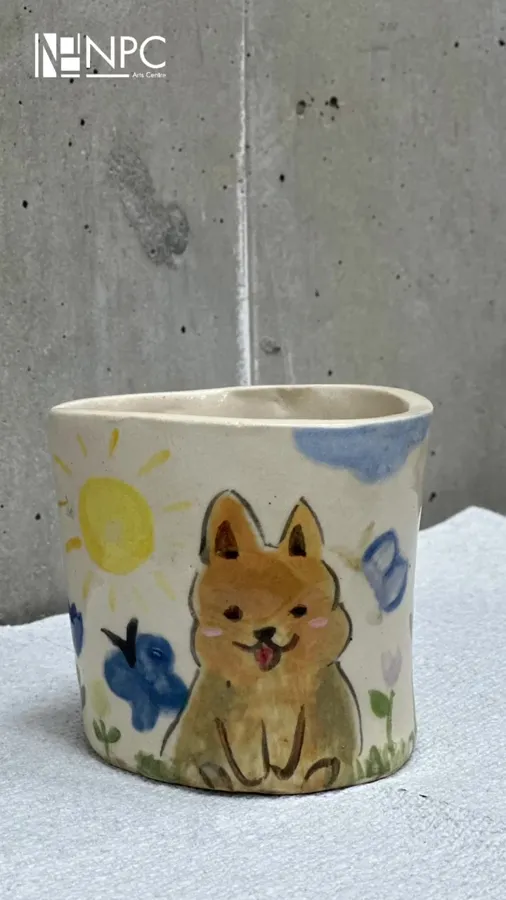
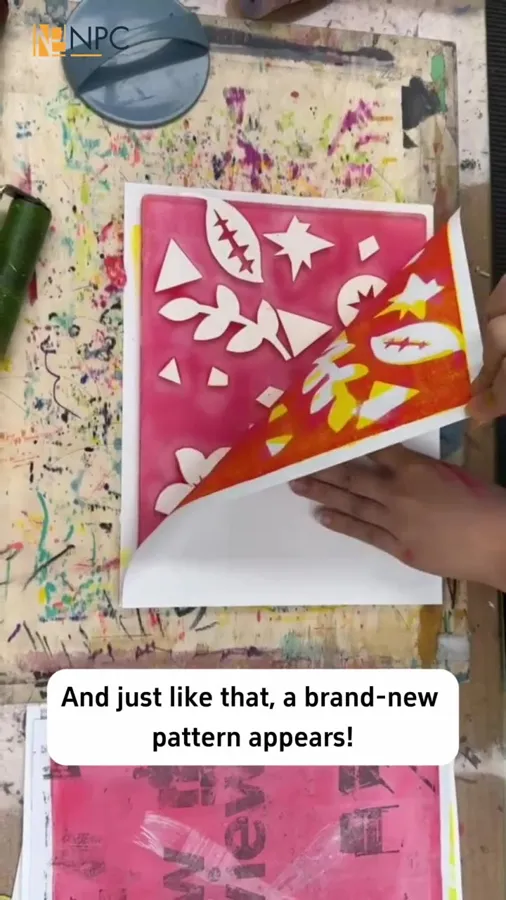
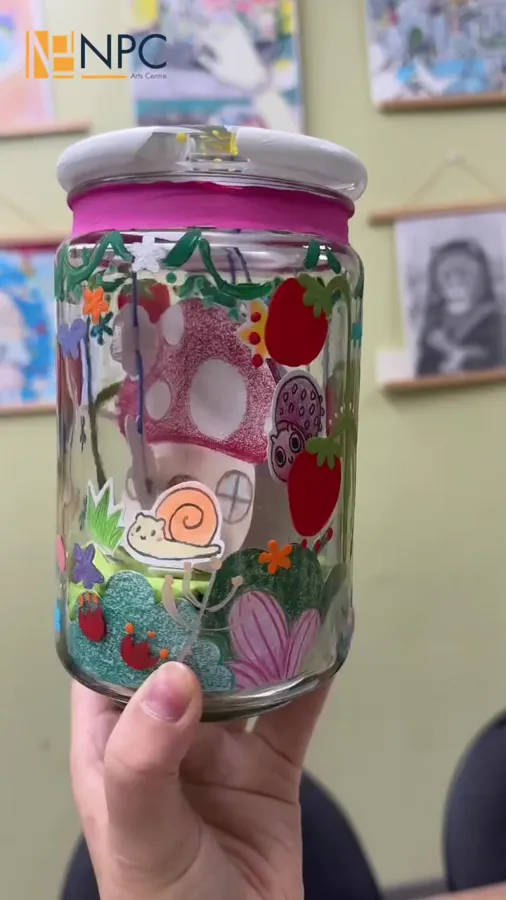
Drawing, painting, clay, collage and printmaking.
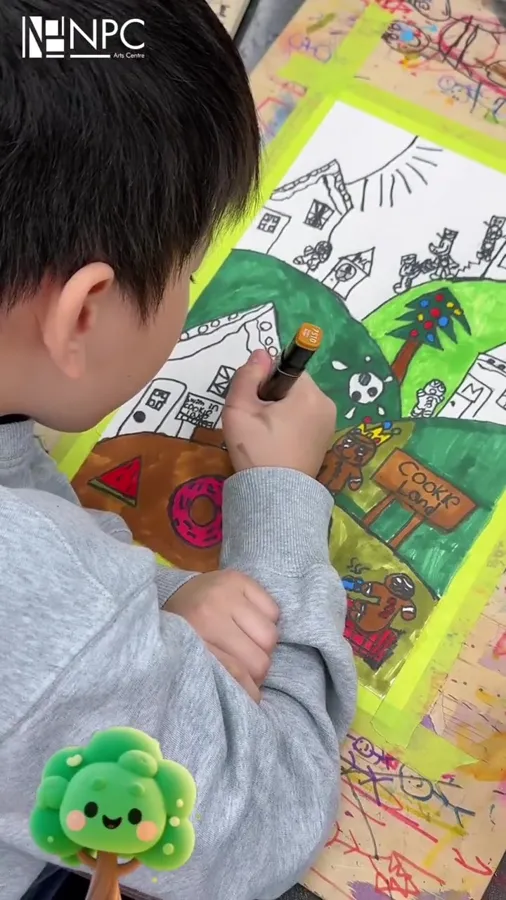
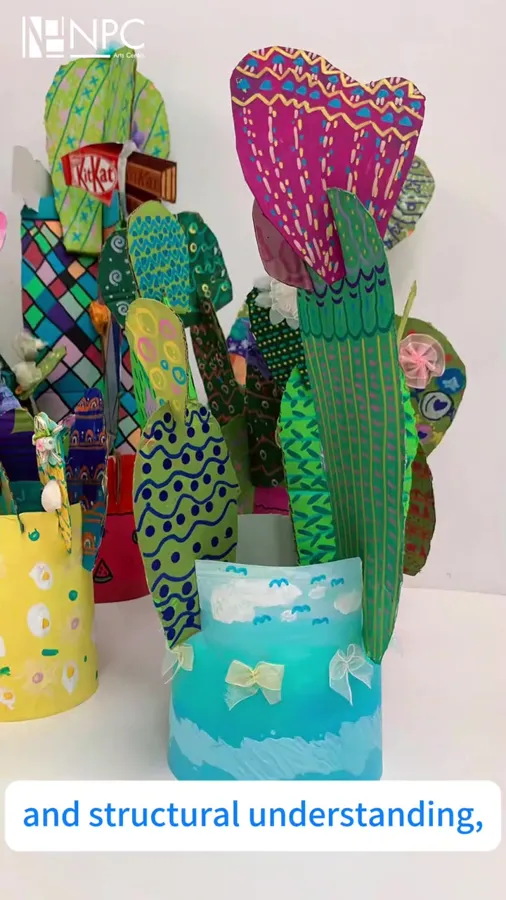
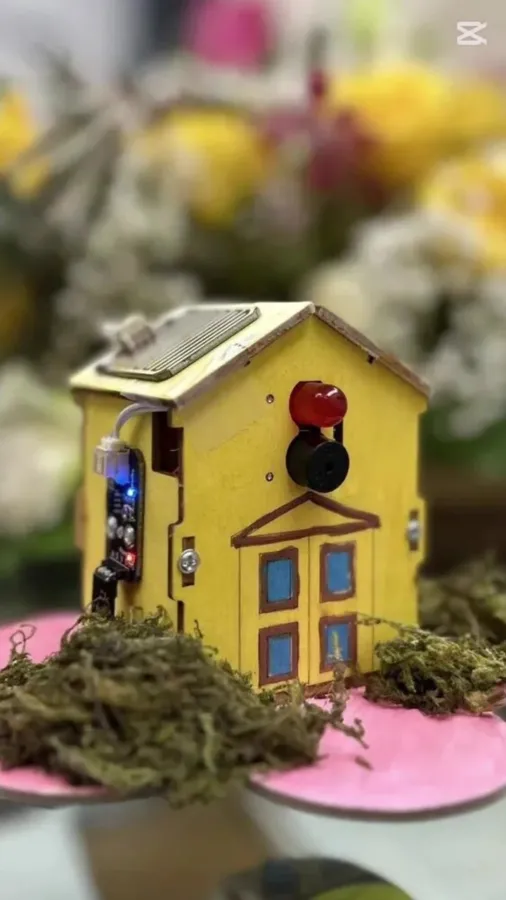
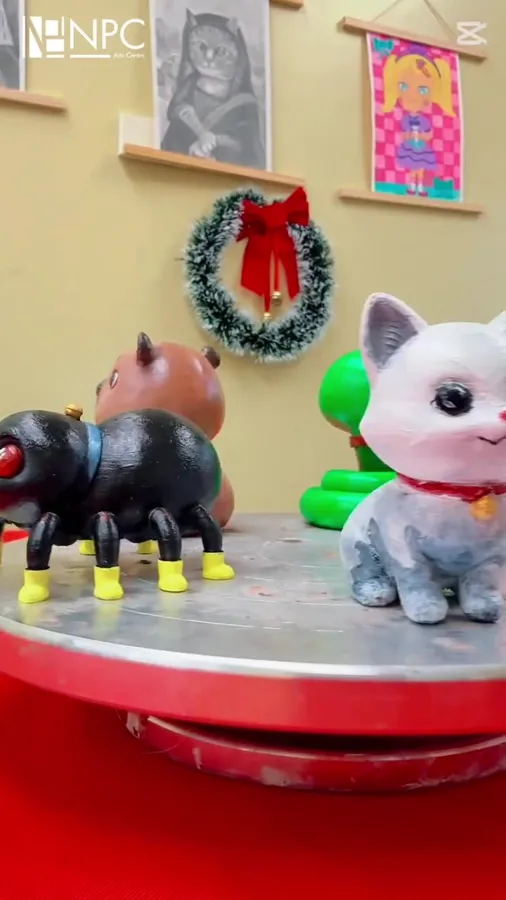
Cardboard builds, masks, mechanisms and 3D printing.
The most important part of tuition is the person beside your child.
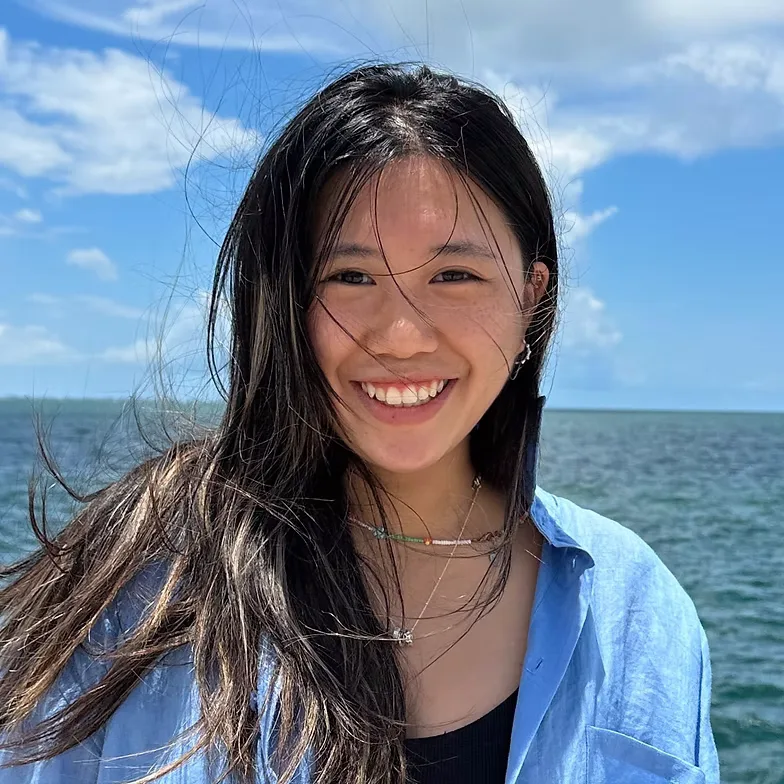
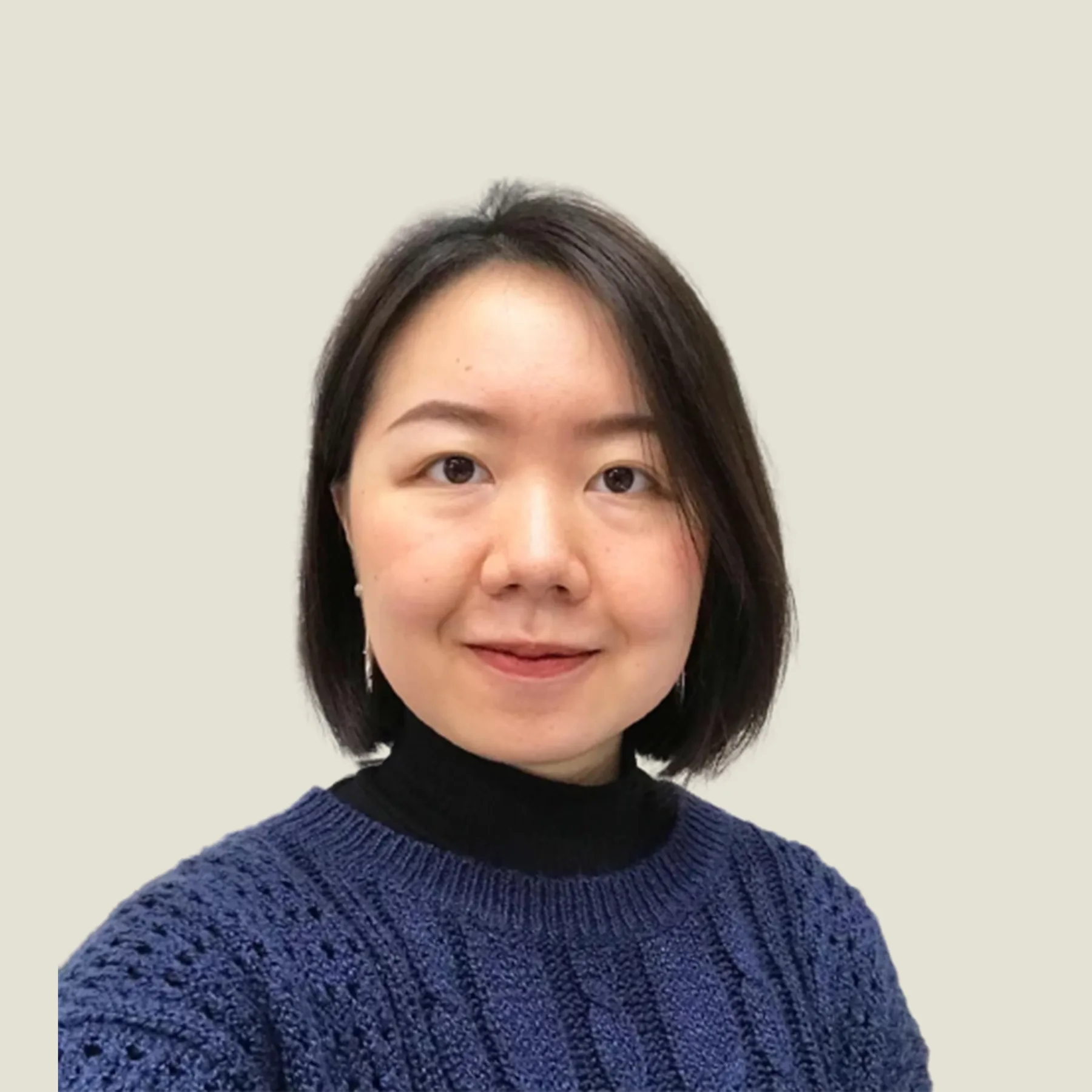
6:1 maximum ratio · all materials included
What tuition includes, in detail →
“The NPC Kids Drawing Class has been wonderful for my child — patient, nurturing instructors who foster a real love for art.”
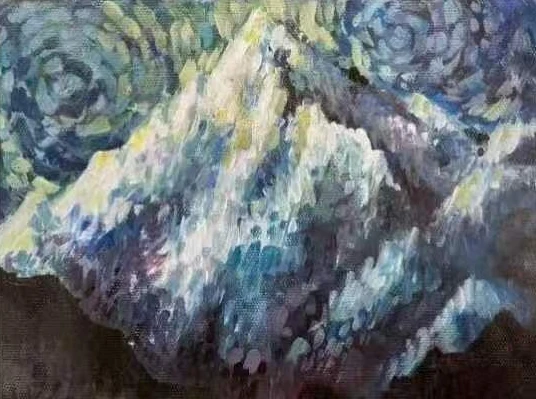 After NPC KidsTurning 13? Step up to Art Enrichment.A three-year program with oil painting, art history and first design studies — and strong preparation for Byng Arts.Explore Art Enrichment →
You’re investing in your child’s artistic development.
Children aged 5–13, from Kindergarten to Grade 7, in three grade bands: K–Gr.1, Gr.2–4 and Gr.5–7.
Drawing, painting and art fundamentals, plus hands-on making: clay, printmaking, and 3D printing and modeling.
Small groups of about six students to one instructor, so every child gets personal feedback.
Yes. You can book a trial class online for children in Kindergarten to Grade 7. The trial is a paid class.
Classes run weekly and are booked by term (fall, winter, spring and summer); enrolling for 2 or more terms saves up to 17% (minimum class counts apply). Every two-hour class includes all materials — see what tuition includes. Each campus page shows its live schedule, open spots and prices.
At four Metro Vancouver campuses: Kerrisdale (Vancouver), Richmond, South Surrey and West Vancouver.
From age 13, students move up to Art Enrichment, a three-year program that leads into AP Art and university portfolio work.
Yes — art birthday parties and group sessions are available at every campus.