

Byng Arts Preparation — Visual Arts
Structured preparation for the Visual Arts stream of the Byng Arts mini school at Lord Byng Secondary: prompt practice, portfolio selection and interview practice. Offered at all four NPC campuses.
Solid drawing, original ideas, and the confidence to talk about the work.
Byng Arts is the fine-arts mini school at Lord Byng Secondary in Vancouver. Visual Arts applicants submit original artwork made to the school’s prompts and attend an interview. NPC’s preparation covers each part.
- Prompt practiceOriginal work made to past-style prompts.
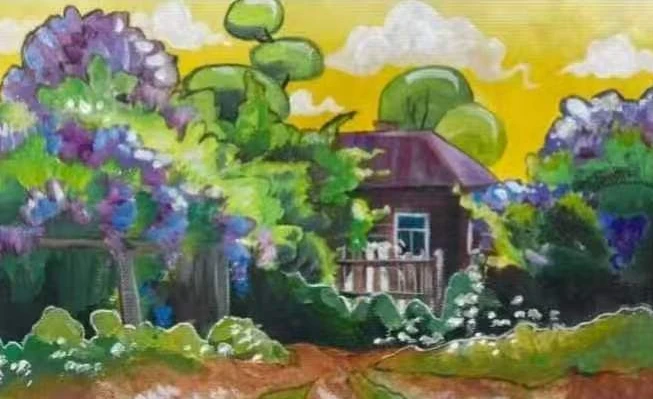
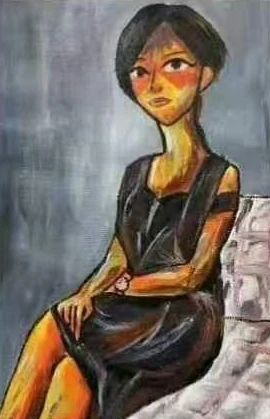
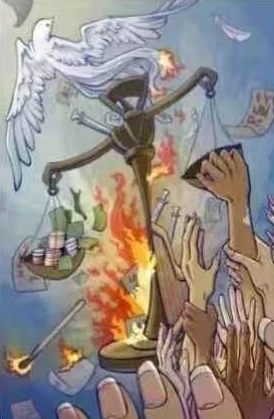
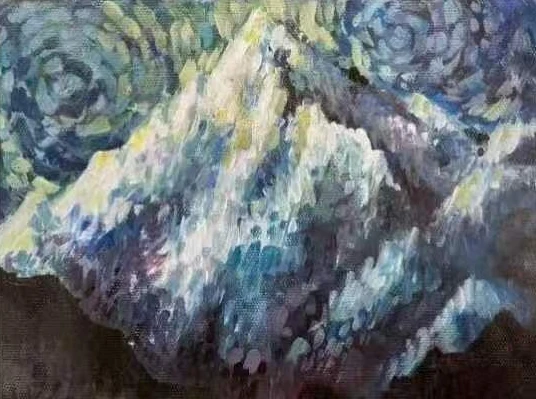
- Range of mediaDrawing, watercolour, acrylic, mixed media — show range.
- Selecting & presentingChoose the strongest pieces and present them properly.
- Interview practicePractise explaining the work in your own words.
From foundations to the interview, in four stages.
- 01Build drawing and colour foundations
- 02Make original work to past-style prompts
- 03Select and present the strongest pieces
- 04Practise for the interview
Offered at all four campuses.
NPC Kerrisdale
5601 West Blvd, Vancouver, BC V6M 3W7
(672) 998-5858
See schedule & open spots →NPC Richmond
2110–8888 Odlin Crescent, Richmond, BC V6X 3Z8
(778) 297-6628
See schedule & open spots →NPC South Surrey
#201 & 300, 2055 152 Street, Surrey, BC V4A 4N7
(604) 385-9920
See schedule & open spots →NPC West Vancouver
1549 Marine Dr #303, West Vancouver, BC V7V 1H9
(604) 500-6123
See schedule & open spots →Common questions
What is Byng Arts?
Byng Arts is the fine-arts mini school at Lord Byng Secondary in Vancouver. Students specialise in one area; NPC prepares students for the Visual Arts stream.
When do students apply?
Most students apply in Grade 7 for Grade 8 entry, with a few seats in later grades. Deadlines are typically in December or January. Requirements change year to year, so always check the school’s current application package.
What does the Visual Arts application involve?
Applicants submit original artwork made to the school’s prompts and then attend an interview.
How does NPC prepare students?
Through Art Enrichment: prompt practice, work across several media, help selecting and presenting the strongest pieces, and interview practice.
How have NPC students done?
Five NPC students were admitted to Byng Arts last year.
Is NPC affiliated with Lord Byng Secondary?
No. NPC Arts Centre is an independent art school and is not affiliated with Lord Byng Secondary or the Vancouver School Board.