

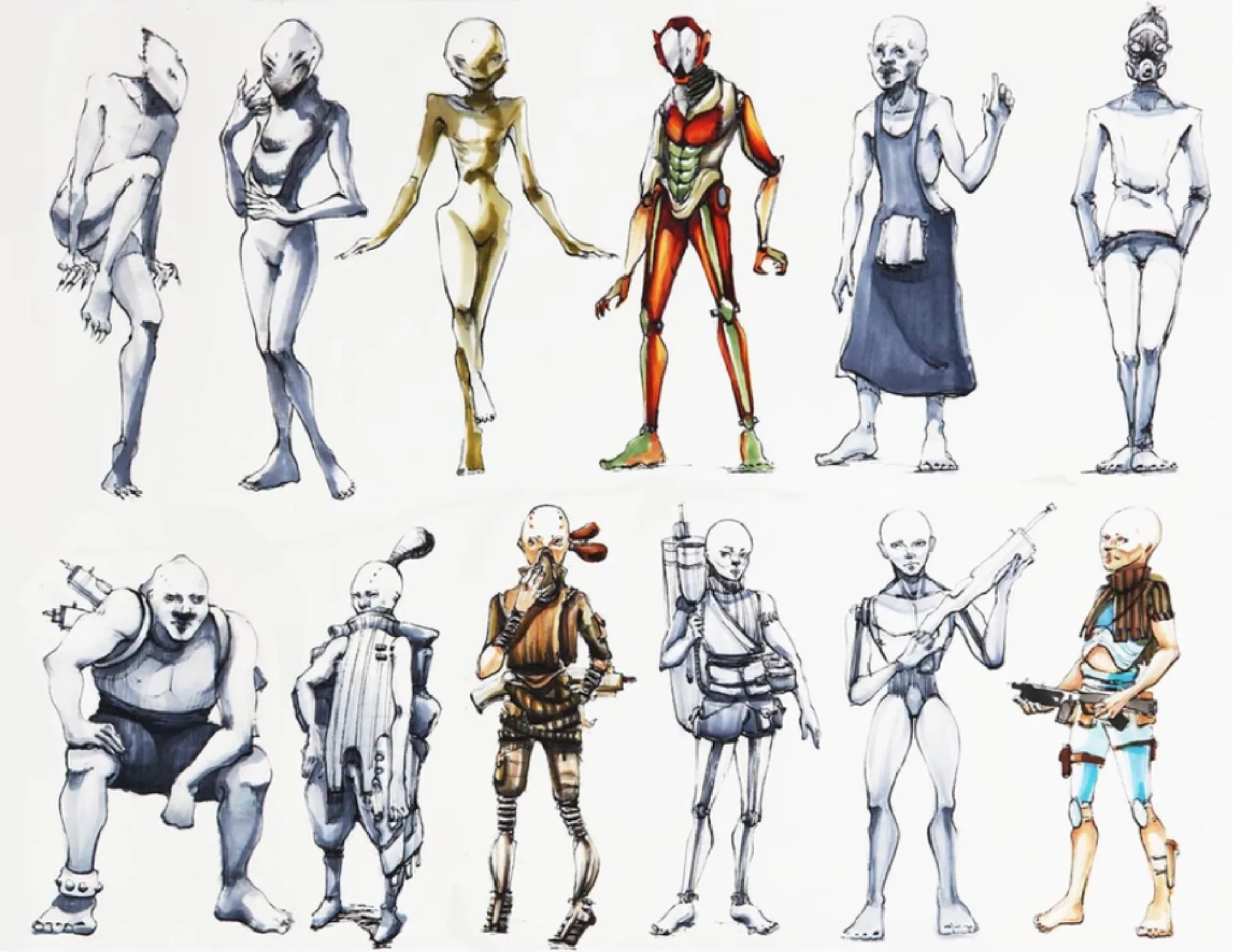
Interactive Design
UX, interfaces and design thinking.
What this major can become
Real roles our students grow into, the industries that hire them — and why this path is a good bet.
Jobs you can do
- UX / UI Designer
- Product Designer
- Interaction Researcher
- Design Systems Designer
Industries that hire
Tech companies, startups, banks, health care, any company with an app or website
Why it’s a good bet
- Among the highest starting salaries of any design field
- Every industry needs it — you are not tied to one sector
- Ships fast: see your work used by real people within months
Recommended schools
Programs our Interactive Design students most often apply to — and get into.

How to build an Interactive Design / UX portfolio that gets in
Interactive and UX programs want to see how you understand people and solve their problems. Your portfolio should tell clear stories about real needs, ideas you tested, and what you learned.
- 01
Start every project with a real problem
Pick everyday frustrations you or people around you actually face, like a confusing school app or a bus schedule. Explain who the users are and why the problem matters before showing any screens.
- 02
Tell each project as a case study
Walk reviewers through research, sketches, wireframes, testing and the final design. A short, clear story of your thinking is more convincing than a gallery of polished screens.
- 03
Test with people and show it
Ask friends or family to try your prototype and note where they get stuck. Show what you changed because of their feedback. That loop is the heart of UX.
- 04
Sketch on paper first
Quick paper sketches and storyboards show you can explore many ideas fast. Include them. Reviewers want to see thinking, not just the tool you used at the end.
- 05
Include strong visual and art work
Many interactive programs sit inside art and design schools, so drawing, typography, colour and composition still count. Balance case studies with work that shows your visual eye.
- 06
Make a simple clickable prototype
A working prototype in a tool like Figma lets reviewers feel the experience. Keep it focused on the key flow rather than building every screen.
Common mistakes to avoid
- Redesigning a famous app with no research
- Showing pretty screens without explaining decisions
- Writing long case studies nobody will finish
Want to know where your portfolio stands?
Bring your current work to a free review — a mentor will tell you the most useful next step.
What you'll learn
A staged path — fundamentals first, then specialization, then the portfolio itself.
Foundation training
Even digital portfolios are judged on visual fundamentals.
- Observational drawing and sketching to think
- Composition, hierarchy and visual balance
- Typography fundamentals
- Colour theory and systems
- Value, contrast and legibility
- Image-making and mark-making
- Sketchbook and visual research habit
Interactive specialization
Designing things people actually use.
- Design thinking and user research
- Wireframing, user flows and prototyping
- Visual systems: type, colour, grid, components
- Interaction and motion basics
- Usability testing and iteration
- A full product or app project
Portfolio & application
Case studies that show thinking, not just screens.
- Structuring a case study: problem, process, outcome
- Balancing hands-on art with digital work
- School-specific requirements and formats
- Artist statement and personal narrative
- Portfolio site and PDF presentation
- Mock interviews and portfolio reviews
Why students choose NPC
Portfolio prep is crowded. What is rare is a twenty-year record of actual offers, and mentors who have done the job.
20+ years and 3000+ graduates
Offers from Harvard, Cornell, RISD, Carnegie Mellon, Parsons, ArtCenter and USC — 900+ university offers and $60M+ in scholarships since 2007 — every year since 2012 published school by school.
Mentors from the industry
Art directors and artists whose work spans Disney and Nickelodeon films, LEGO films, Tencent and AAA games — people who know what a portfolio has to survive.
Fundamentals first, always
Admissions committees reject weak drawing before they ever reach your concept. We build observation, perspective, value and colour before specializing.
Built to each school’s requirements
CSM, Parsons, RISD and Sheridan all ask for different things. We build to the schools you are actually applying to — not a generic portfolio.
Interactive Design — made by our students
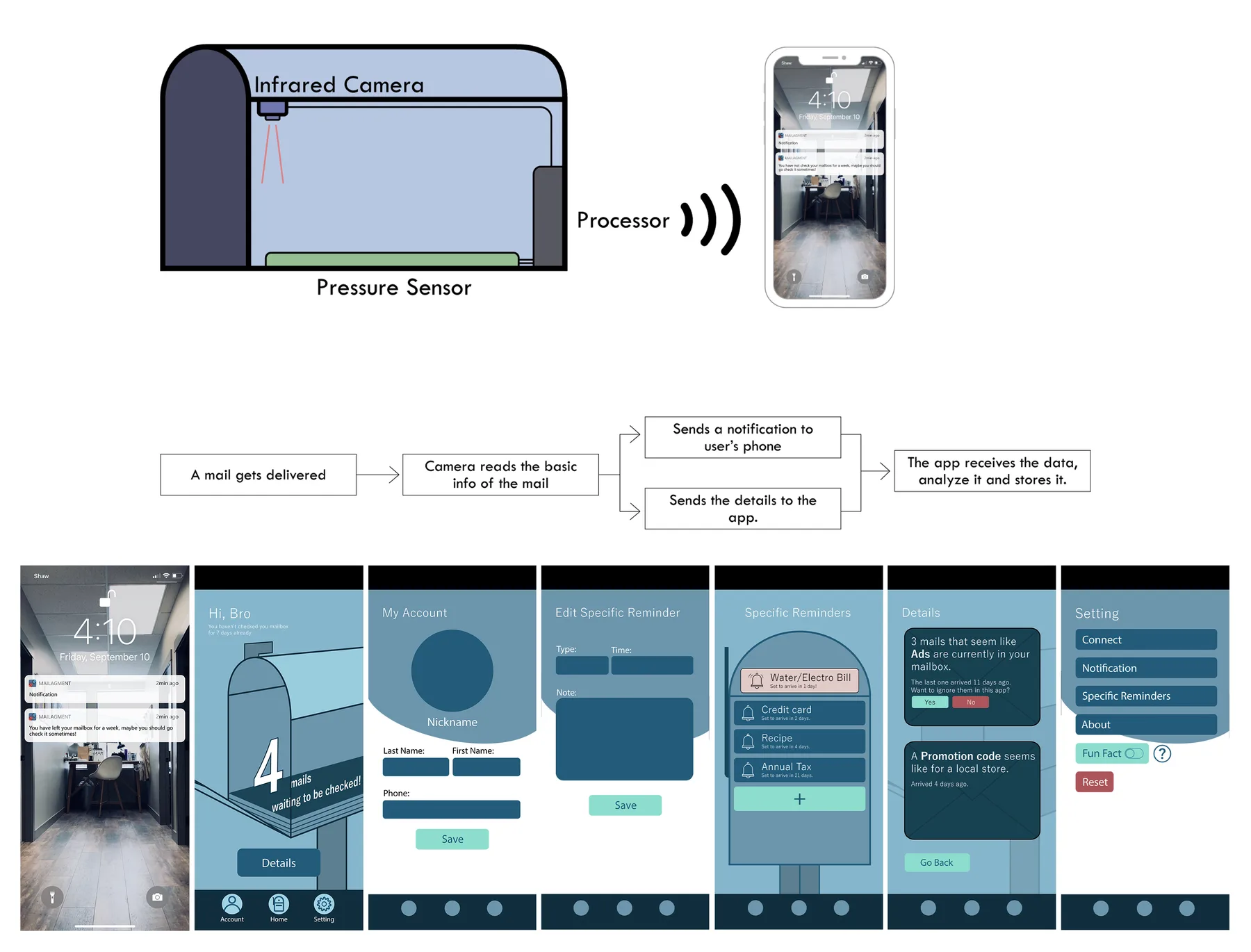 Interactive DesignPortfolio Development
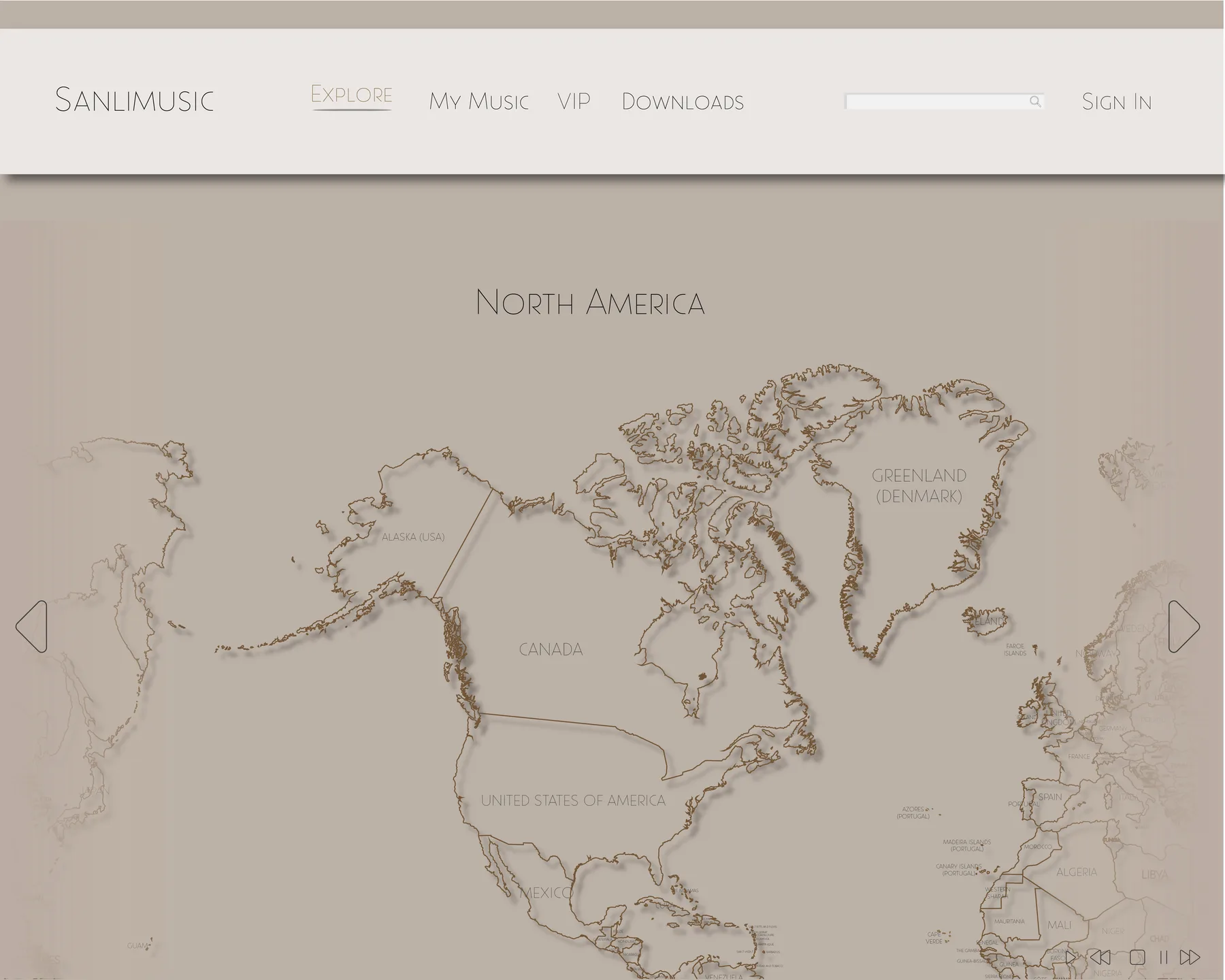 Interactive DesignPortfolio Development
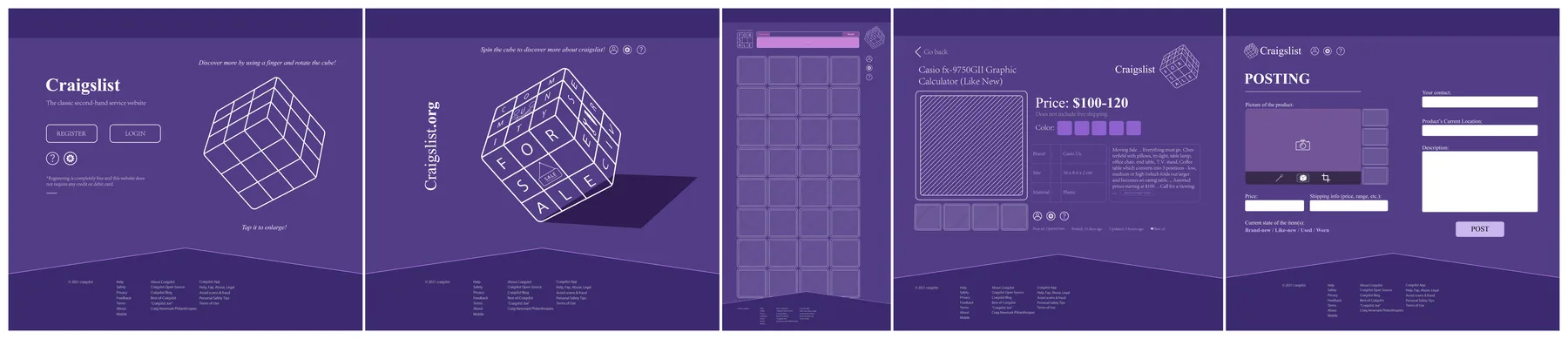 Interactive DesignPortfolio Development
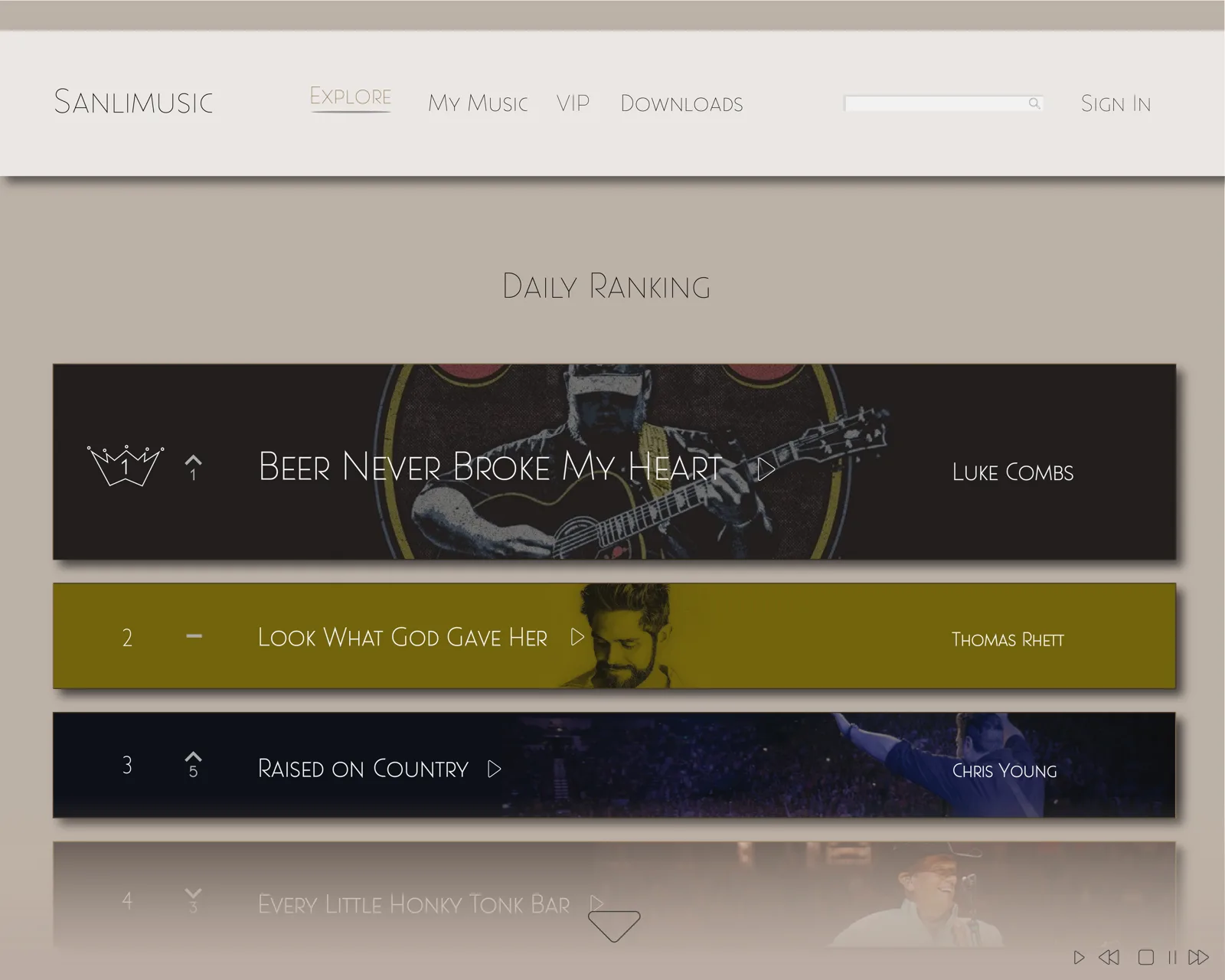 Interactive DesignPortfolio Development
 Interactive DesignPortfolio Development
Start with a portfolio assessment
Portfolio and AP tracks are by enquiry only. We look at your goals and current work first, then plan the course and hours around you.
Common questions
What should a high school UX design portfolio include?
Usually two or three case studies that show research, sketching, prototyping and testing, plus some visual art or design work. Programs differ, so check each school's current portfolio requirements.
Do I need to know coding for an interactive design program?
Generally not to apply. Clear thinking about users and good visual skills matter more. Some basic coding or a simple web project can be a plus, but it should support your ideas, not replace them.